
Choose the right kind of label
| Category | Tag |
|---|---|
| Defined inside a page | Shared inside a workspace |
| A bookmark has one category or none | A bookmark can have multiple tags |
| Good for a primary group such as Reading | Good for cross-cutting topics such as Design and Research |
Manage page categories
- Open a page and select Manage categories.
- Add or rename categories and choose their colors. Drag them to arrange their order.
- Assign a category when creating or editing a bookmark.
- Group Board or Cards by Category to browse the resulting groups.
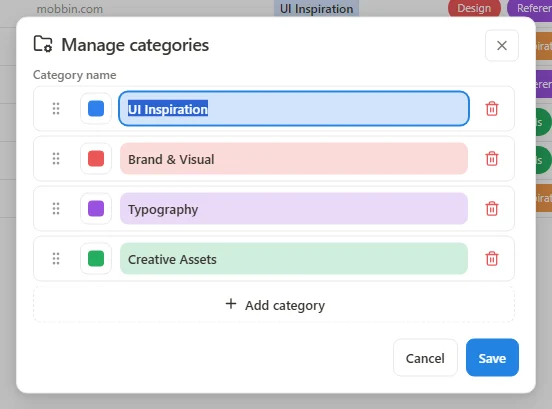 Enlarge screenshot
Connect bookmarks across pages
Create tags from the sidebar's Tags area or the bookmark form, then assign one or several to a bookmark. Select a tag in the sidebar to browse matching bookmarks across pages in the workspace. In a tag-grouped view, a bookmark with several tags can appear in more than one group; that does not mean several bookmark records were created.
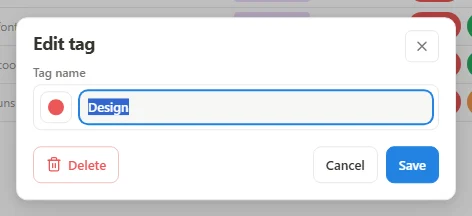 Enlarge screenshot