
A place for useful links
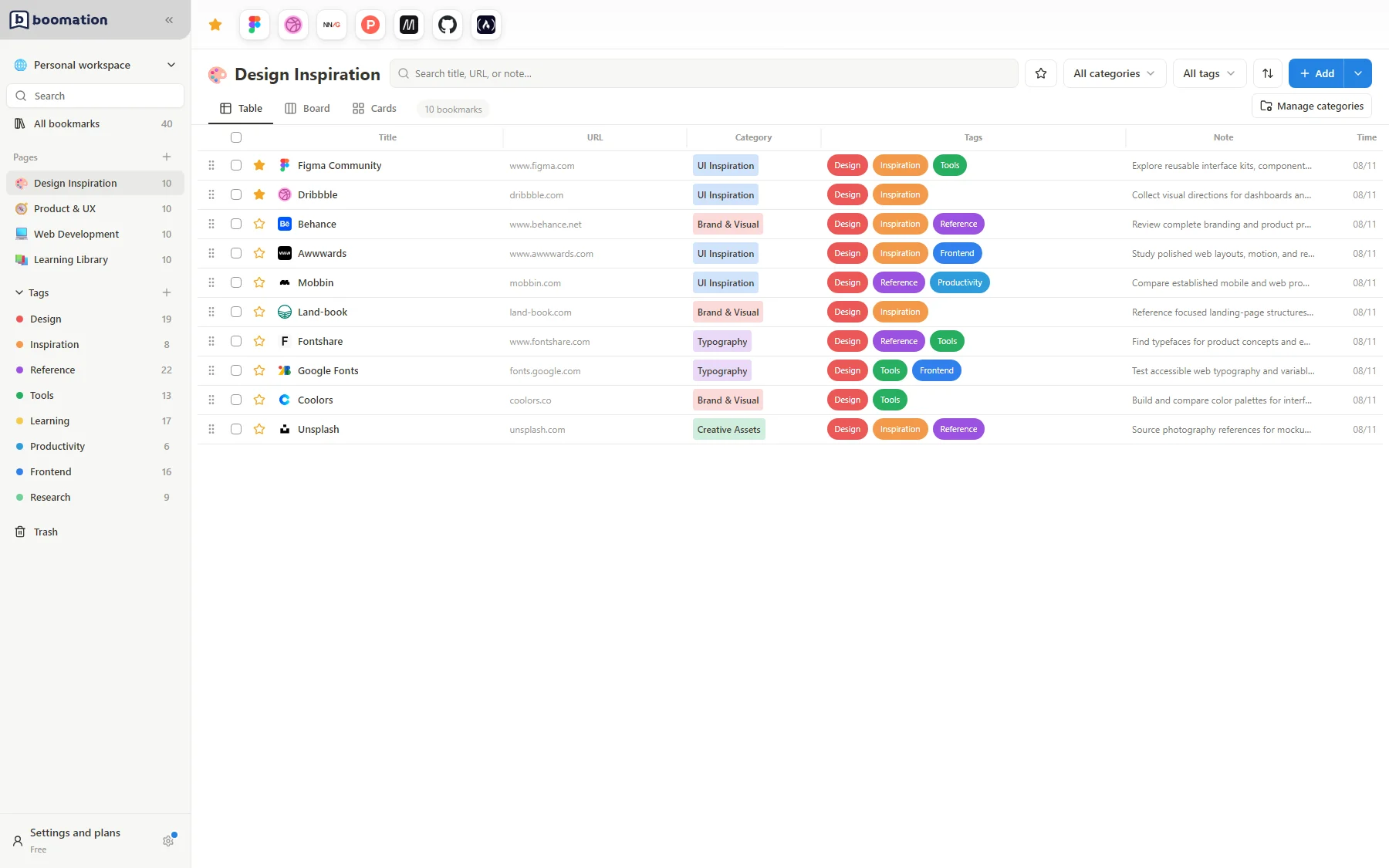
boomation turns your new tab page into a place to keep research, project references and everyday tools. It stores bookmarks with titles, categories, tags and notes. Saving a link does not archive the website itself: you still need access to that website to read its content.
 Enlarge screenshot
Understand the structure
| Item | Use it for |
|---|---|
| Workspace | A separate collection for a project, role or interest. |
| Page | A topic inside a workspace. |
| Category | One grouping for a bookmark within its page. |
| Tags | Multiple labels shared across the workspace. |
| Favorites and notes | Quick access and context for individual links. |
Start locally; connect later
You can begin as a Guest without creating an account. A member account and Google Drive authorization are separate choices. Signing in does not automatically enable Drive sync. Choose Free or Pro according to the editing capacity you need; neither plan turns the website into a hosted copy of your bookmark collection.