
Restore a recoverable deletion
- Choose the relevant workspace and open Trash in the sidebar.
- Find the deleted bookmark or page and review its details and remaining retention.
- Choose Restore. If the original page no longer exists, select another page and choose Restore again. Restoring a deleted page also brings back its bookmarks; check the destination afterward.
- If restoration is blocked by editing or capacity limits, read the message and resolve the limit before trying again.
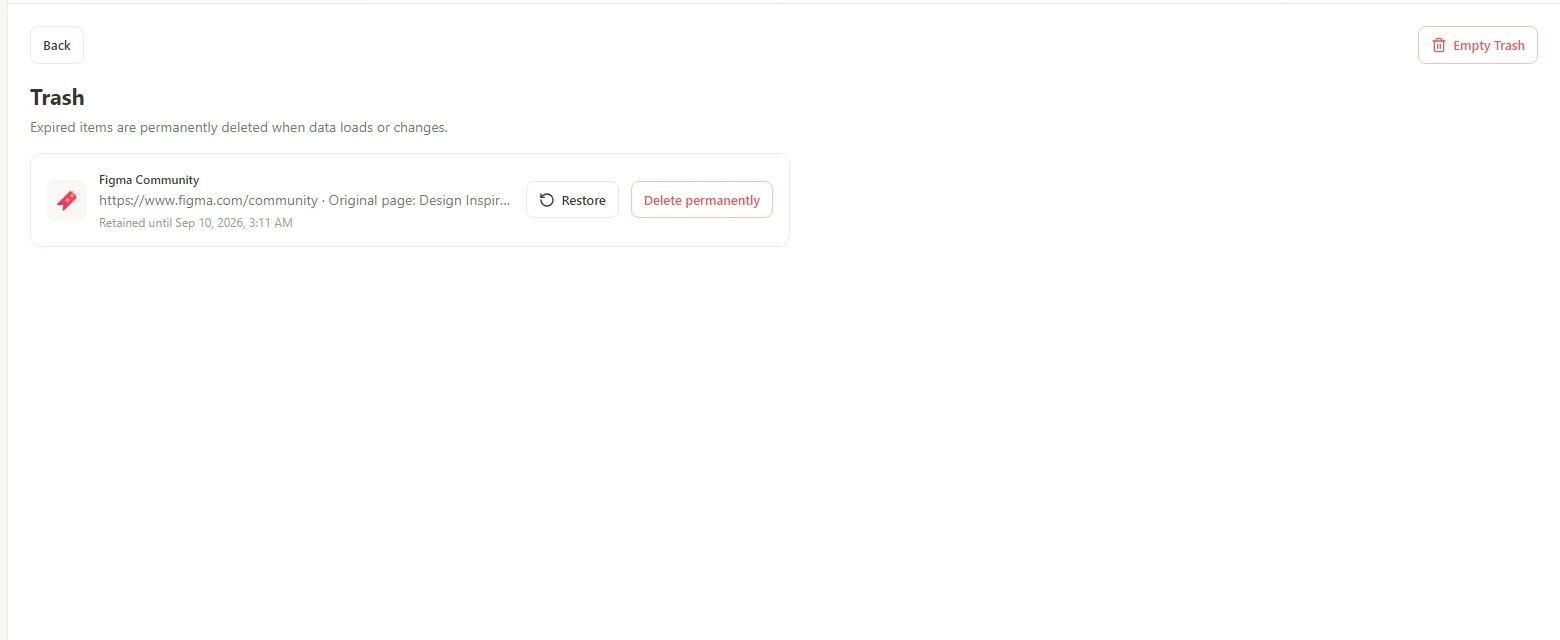 Enlarge screenshot
Retention depends on the plan at deletion
New Trash items receive 3 days of retention on Free and 30 days on Pro. Their expiry is set when they are deleted. Expired items are permanently removed when data loads or changes; do not treat the displayed list as an indefinite backup.
If the item is no longer there
Check the workspace and whether the operation was a permanent deletion. If retention has expired, an earlier exported workspace or automatic backup may contain the bookmark before deletion. Review that backup's date and restore scope before replacing current data.