
Use a detailed list
Open a page and select Table above the bookmark list. Table is useful for scanning titles, websites, categories, tags, notes and dates together. It also makes checkbox selection convenient for batch operations.
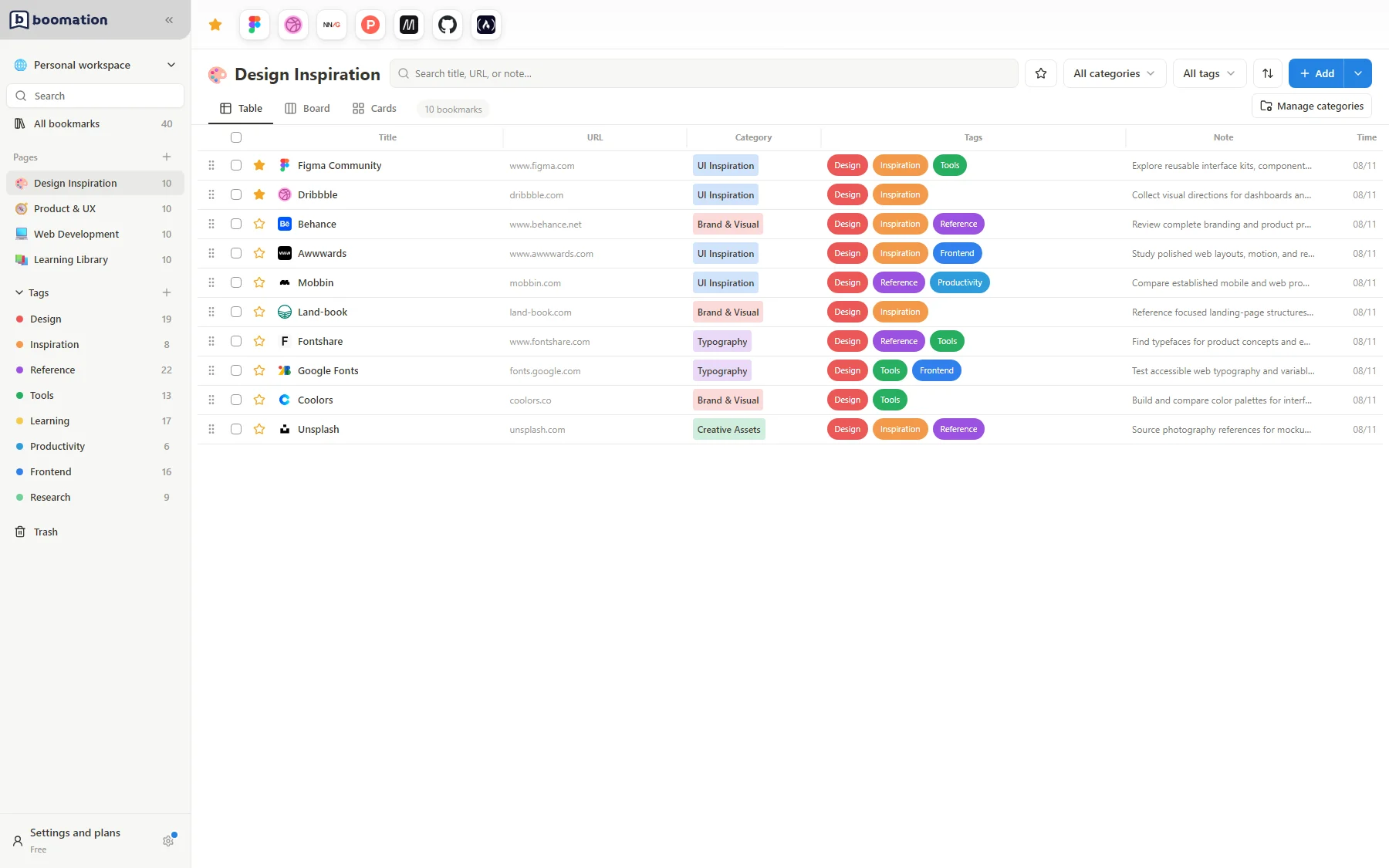 Enlarge screenshot
Give important columns space
- Find the boundary between table columns in the header.
- Drag the boundary to give a long title, note or set of tags more room.
- Check the rows after resizing. A narrow column can make content harder to scan.
- Use search and filters to reduce the list, or move to Board or Cards when grouping matters more than detailed comparison.
Read the current scope
A page table shows that page's bookmarks. All bookmarks and tag views can span several pages and may include a Page field. Changing views does not duplicate or delete records. The small sort control changes ordering; its badge indicates direction when a non-manual sort is active.