
Choose a visual layout
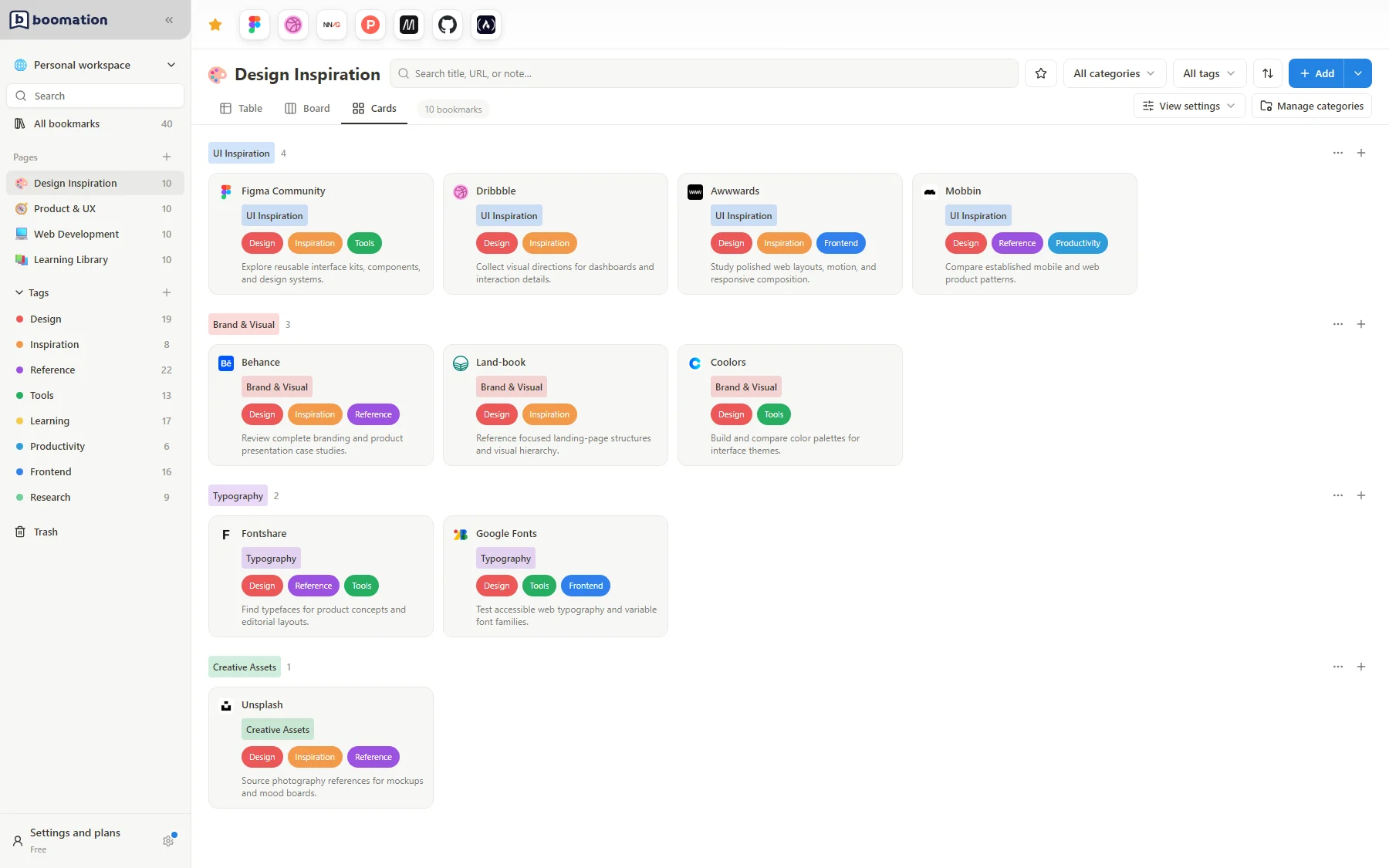
Select Cards above the bookmark list. Each card represents a saved link, with its favicon, title and the fields you choose to display. This view is useful when you want recognizable resources rather than a dense table.
 Enlarge screenshot
Reduce visual noise
- Open View settings to see the available grouping and field options.
- Choose Category or Tags to group the cards. Cards does not have Board's Compact or layout controls.
- Hide fields you do not need for the current task, such as URL or Note.
- Enable Hide empty groups if you do not want headings for groups without matching bookmarks.
Keep the stored details
Hiding a field does not erase it. If a card is taller than expected, inspect long titles, notes and multiple tags, then adjust visible fields or grouping. Use the card's action menu for editing, moving or deleting; a layout change alone does not alter the saved URL.